Lighter Make 3D, original relief
Version1.2.6Fixed
Shipped Wednesday, 16 Sep 2026 at 22:18 CEST
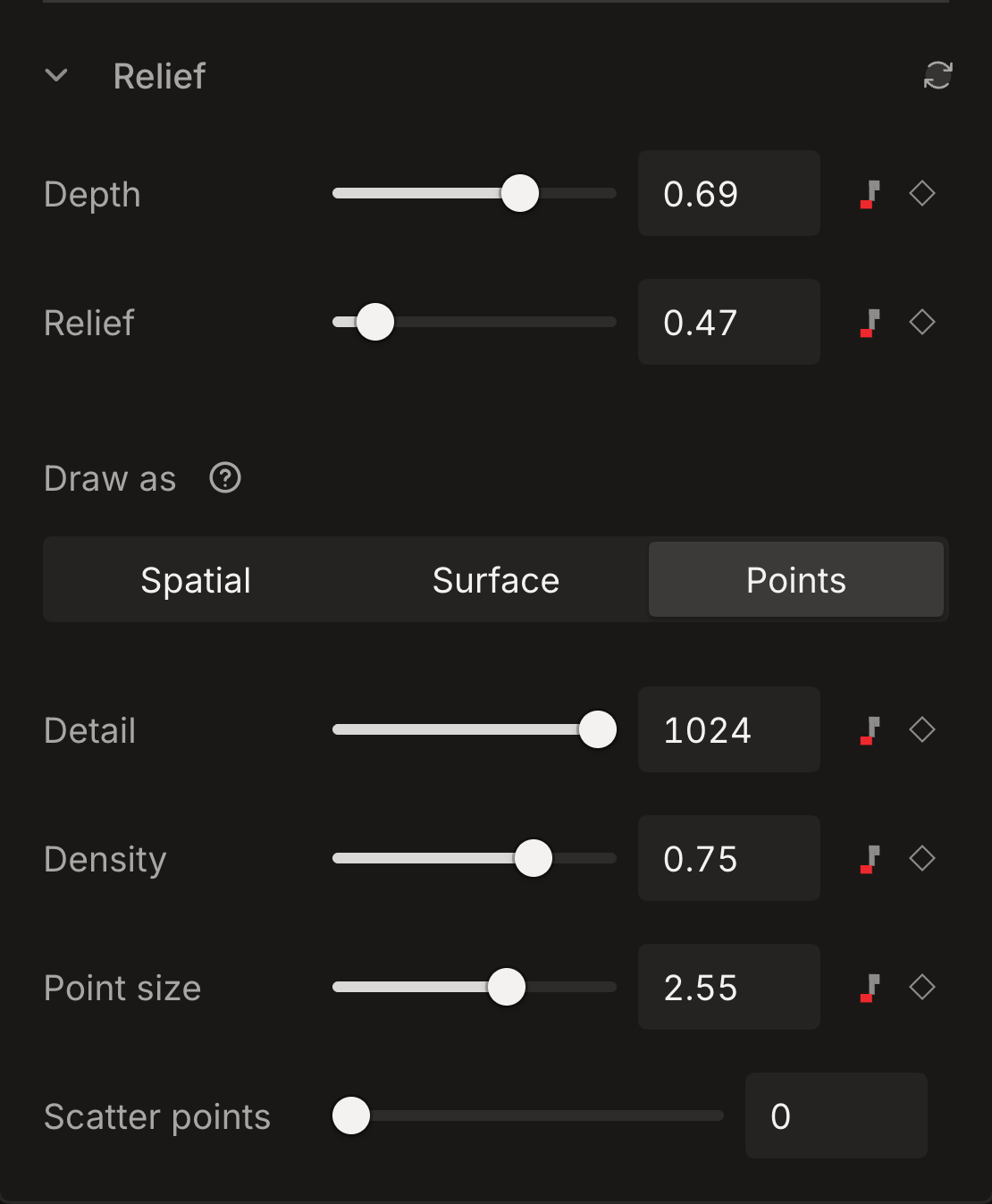
Make 3D now draws the original picture as one relief. Automatic video subject following and the generated background fill have been removed. Existing saved depth works without preparing it again, and the Depth, Relief, Points and Surface controls stay available.
01Fixed
Shape the original relief
The extra filled plate no longer changes the background or adds work to every video frame. Saved fill and subject-track settings no longer activate that processing. Still-image subject cutouts remain available under Subject and background. Video foreground and background selections use the saved depth and Separation point.
- 01Select a picture or video layer and open Make 3D.
- 02Adjust Depth and Relief, then choose Points or Surface under Draw as.
- 03Existing saved depth is ready to use. To change preparation quality, choose Prepare again, select Balanced or Detailed, then press Start.