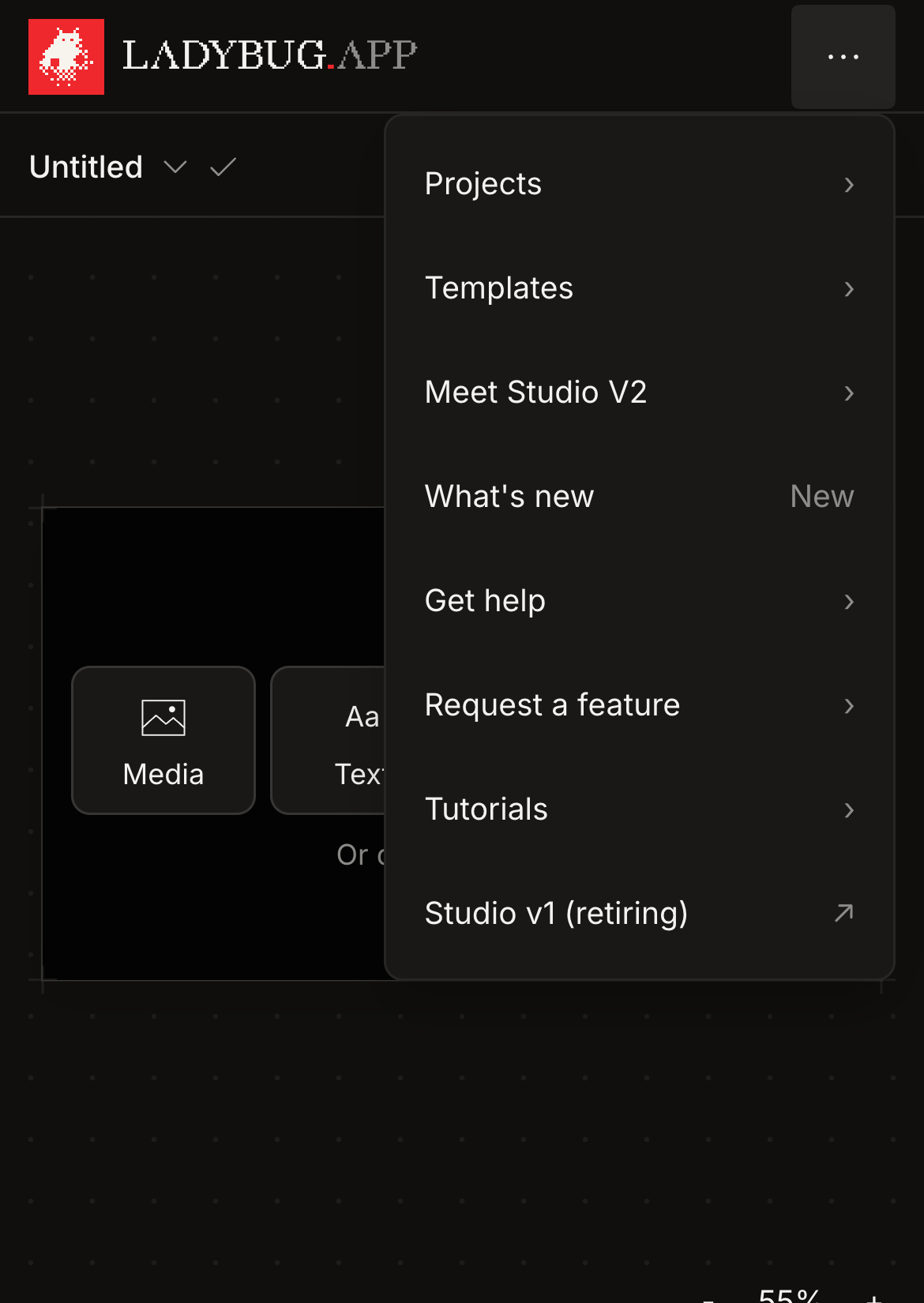
Mobile menu taps work again
Version1.2.5Fixed
Shipped Wednesday, 16 Sep 2026 at 13:15 CEST
Tapping an item in the three-dot Studio menu could close the menu before its action ran in Safari. Projects, Templates, help and the other destinations now open from a single tap. Keyboard navigation and tapping outside to close still work.
01Fixed
Open the Studio menu on mobile
The menu now waits for the tap to finish when Safari clears focus. Every item stays available, including Projects, Templates, Meet Studio V2, What’s new, Get help, Request a feature, Tutorials and Studio v1.
- 01Tap the three dots at the top right of the studio.
- 02Tap Projects, Templates or another menu item to open it.
- 03Tap outside the menu to close it without choosing an item.