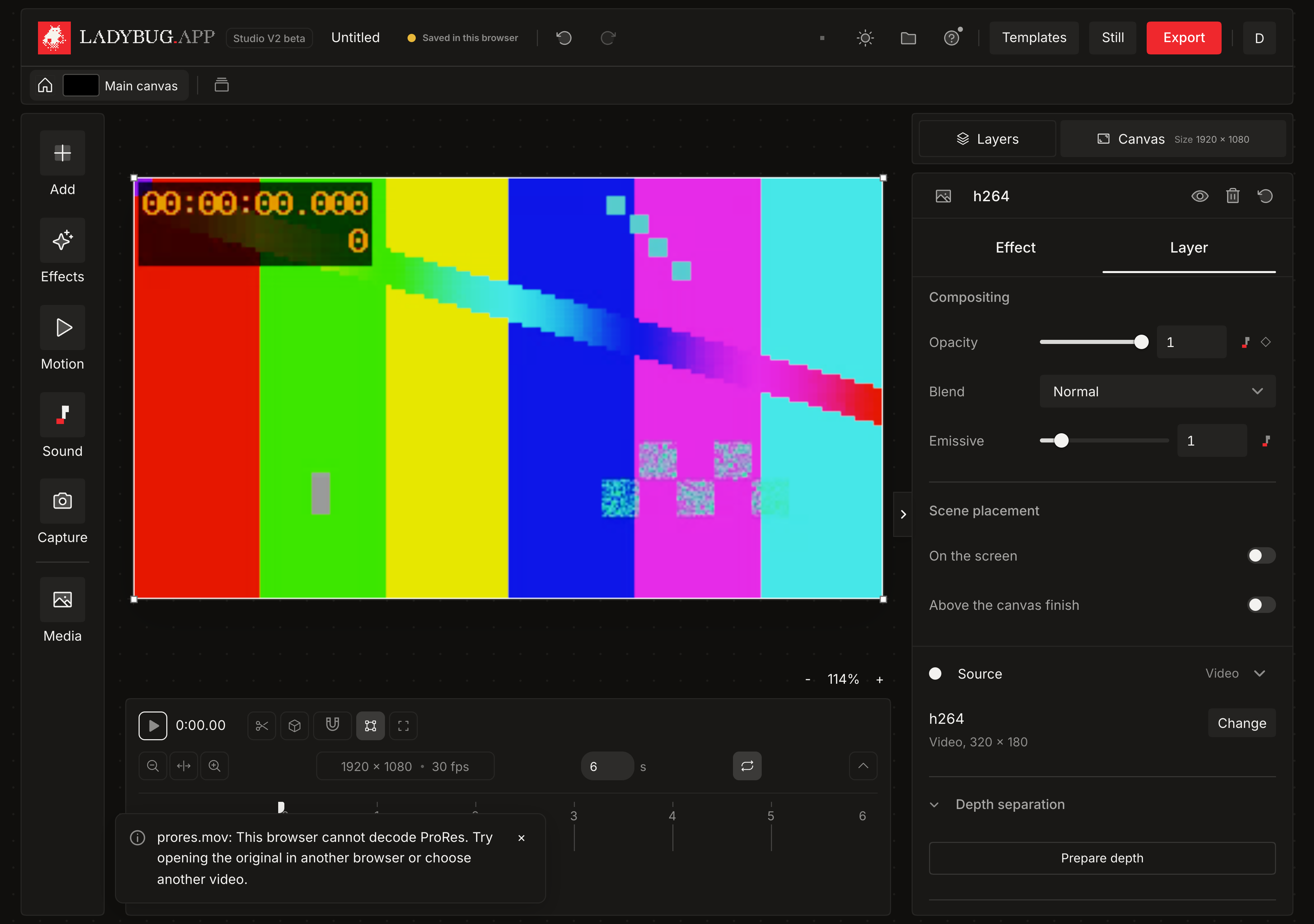
More videos, clearer import errors
Shipped Sunday, 13 Sep 2026 at 18:06 CEST
Studio V2 now tries a second decoder when a video cannot open normally. It keeps the original file and checks a decoded frame before adding a layer. Video timing, rotation and color handling stay consistent through playback and export. When a file cannot open, its message explains the problem and your current project stays in place.
Open more original videos
Choose MOV, MP4, WebM, MKV and other video files from Add or drop them onto the canvas. Studio uses the decoders available in your browser without converting your file. Support depends on your browser and device, so some professional codecs can still be unavailable. Rejected imports now distinguish codec, container, decoding and storage problems. You can try another file immediately.
- 01Open Add and choose Video, or drop a video onto your canvas. On mobile, use the plus beside Canvas and Controls.
- 02Scrub or play the timeline to check the video, then use Export for your finished project.
- 03If the video cannot open, read the message. Try its original file in another browser or choose another video. No conversion step is added.