Draw your own glyphs
Version1.3.4FeatureJust shipped
Shipped Saturday, 31 Oct 2026 at 13:30 UTC
Make Glyph Studio's characters your own. Draw them, bring them, and keep them for the next project.
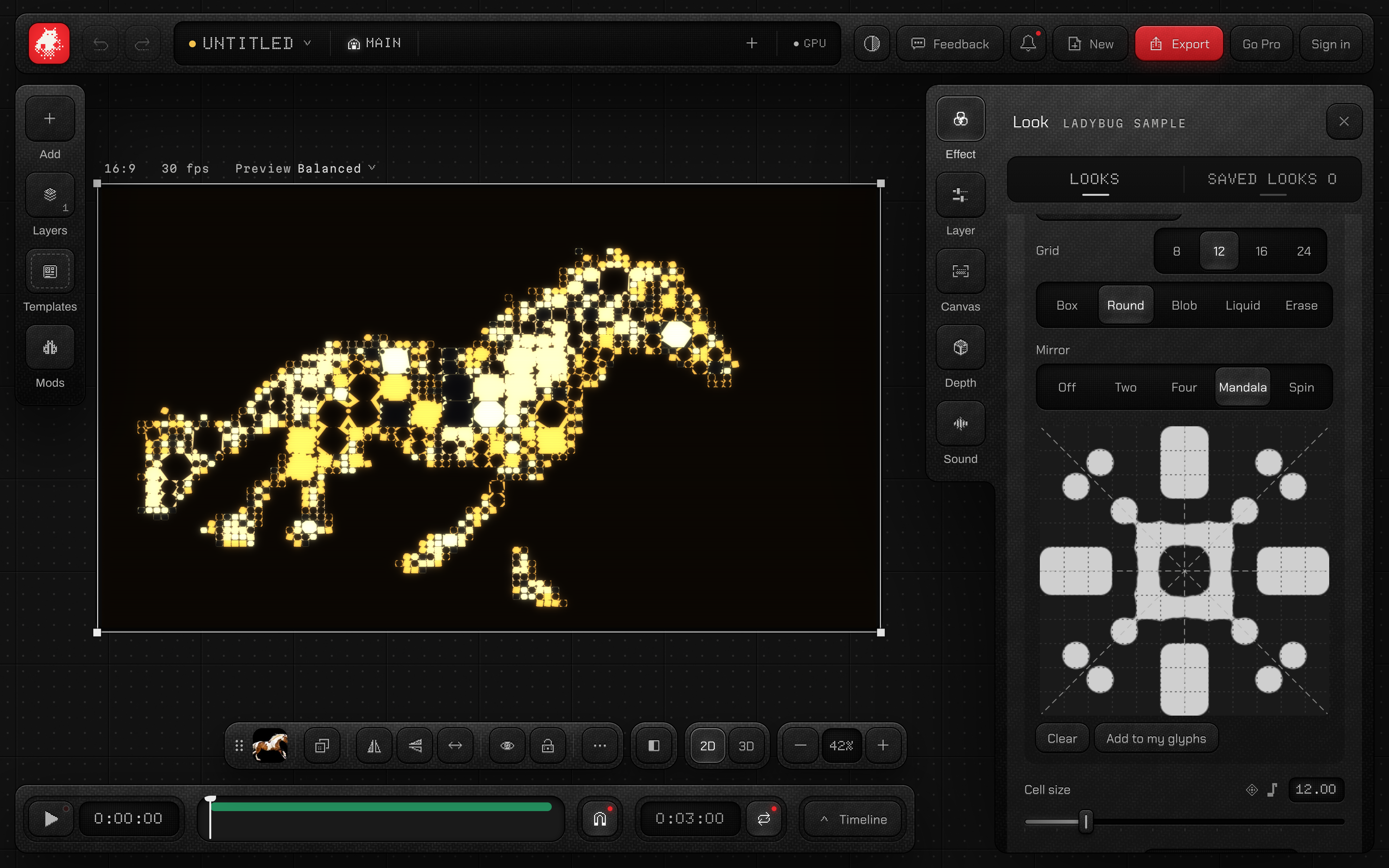
Your own now has a drawing board. Fill cells on a grid of 8 to 24, round their corners, melt them into blobs, or let them run together like liquid. Mirror draws two, four or eight ways at once, so a mandala takes a few strokes. On a phone or tablet the board opens full screen.
- 01Put Glyph Studio on a layer and set Glyphs to Your own.
- 02Under Your glyphs, press Draw.
- 03Draw with Box, Round, Blob or Liquid, pick a Mirror, then press Add to my glyphs.
02Feature
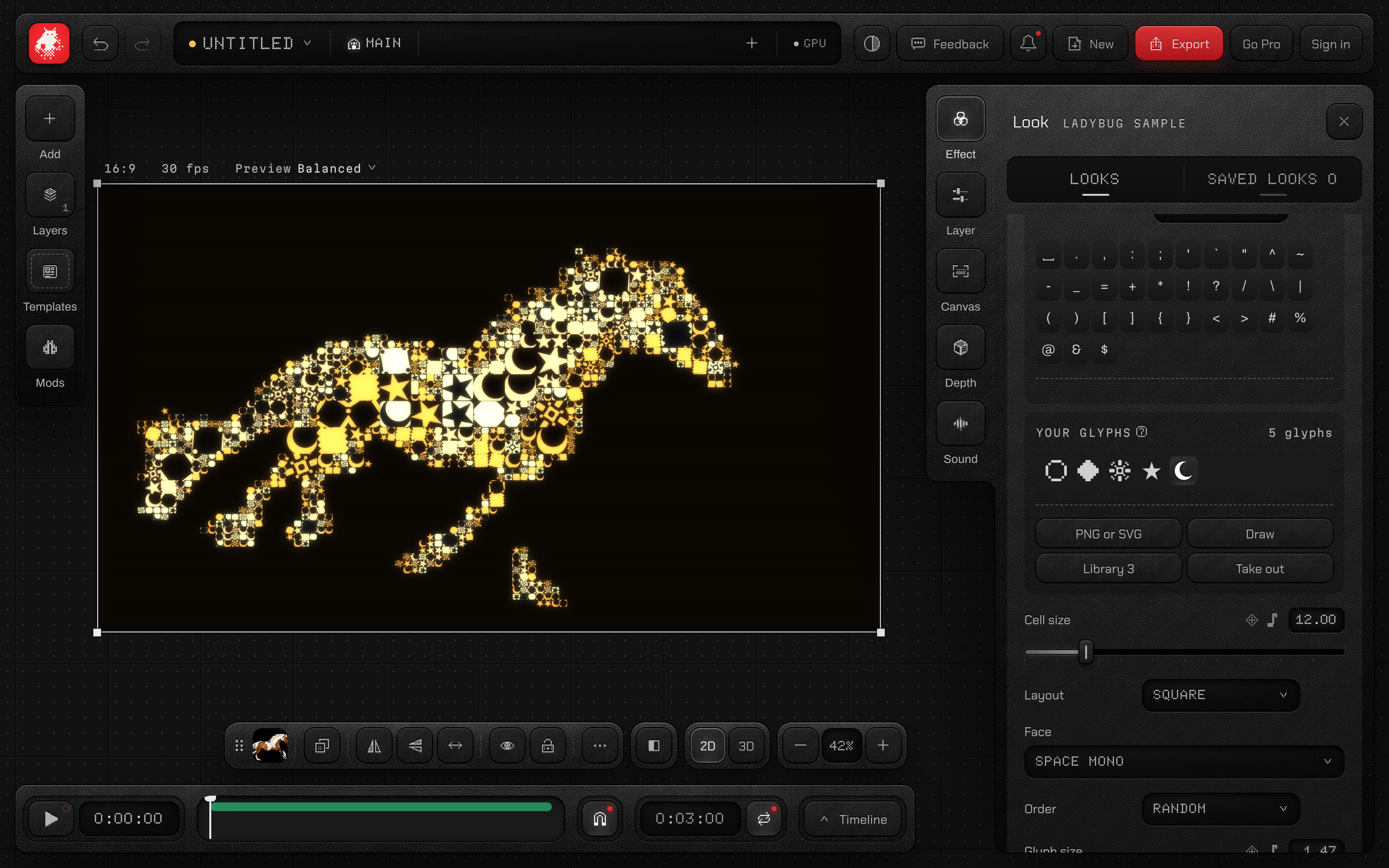
Your PNG and SVG as glyphs
Bring a PNG or an SVG and it becomes a glyph. Its shape comes from the picture, and the look gives it its colour, like every other glyph.
- 01Set Glyph Studio's Glyphs to Your own.
- 02Under Your glyphs, press PNG or SVG.
- 03Choose a file. It joins your glyphs in the look's colours.
03Feature
Your glyph library
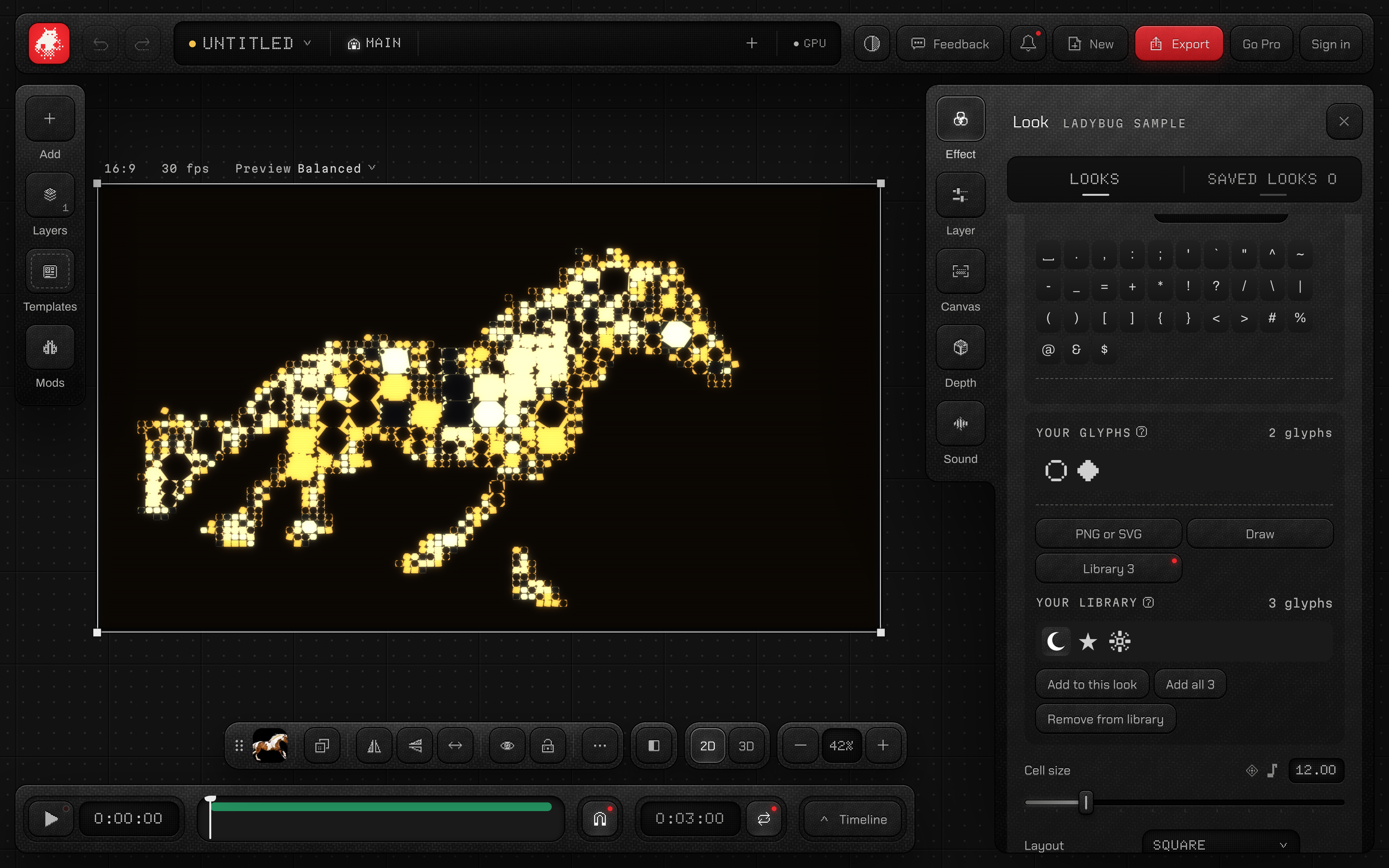
Every glyph you draw or bring is kept in your library, ready for any look in any project. With a workspace folder connected, your library is saved there too.
- 01In a look set to Your own, press Library.
- 02Pick a glyph and press Add to this look.
- 03Or press Add all to bring every glyph at once.