Meet Glyph Studio
Shipped Friday, 30 Oct 2026 at 22:30 UTC
A new studio for type and code, new looks for three classic effects, and a few changes you will feel every day.
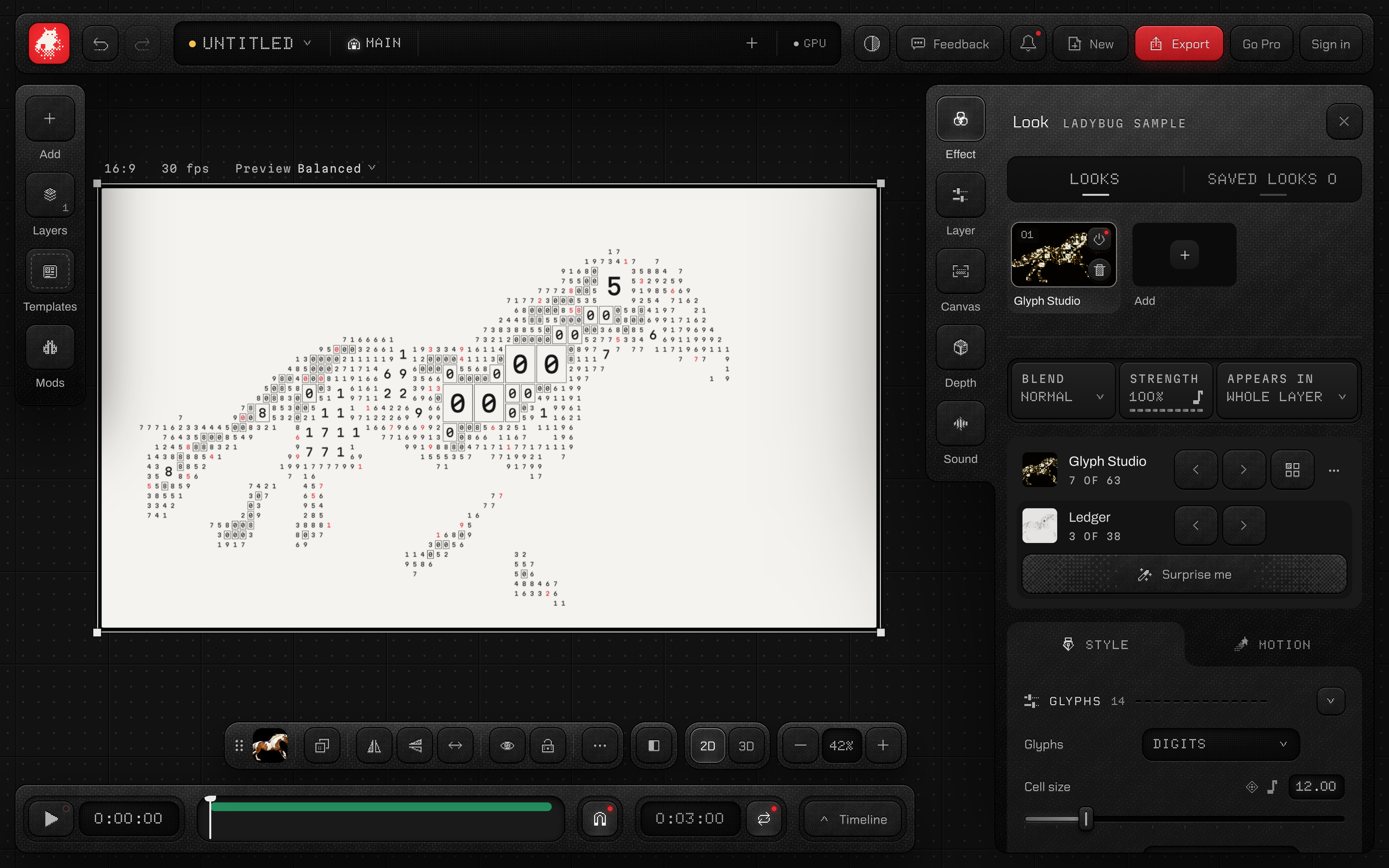
Glyph Studio
A new studio for letters and code. Shape every glyph, its colour and its cell, or start from a finished look like Odometer, Ledger or Bloom. You find it at the top of the effects list.
- 01Select a photo, video or text layer.
- 02Open Effect and press Glyph Studio at the top of the list.
- 03Pick a look, then shape the glyphs, colours and cells.
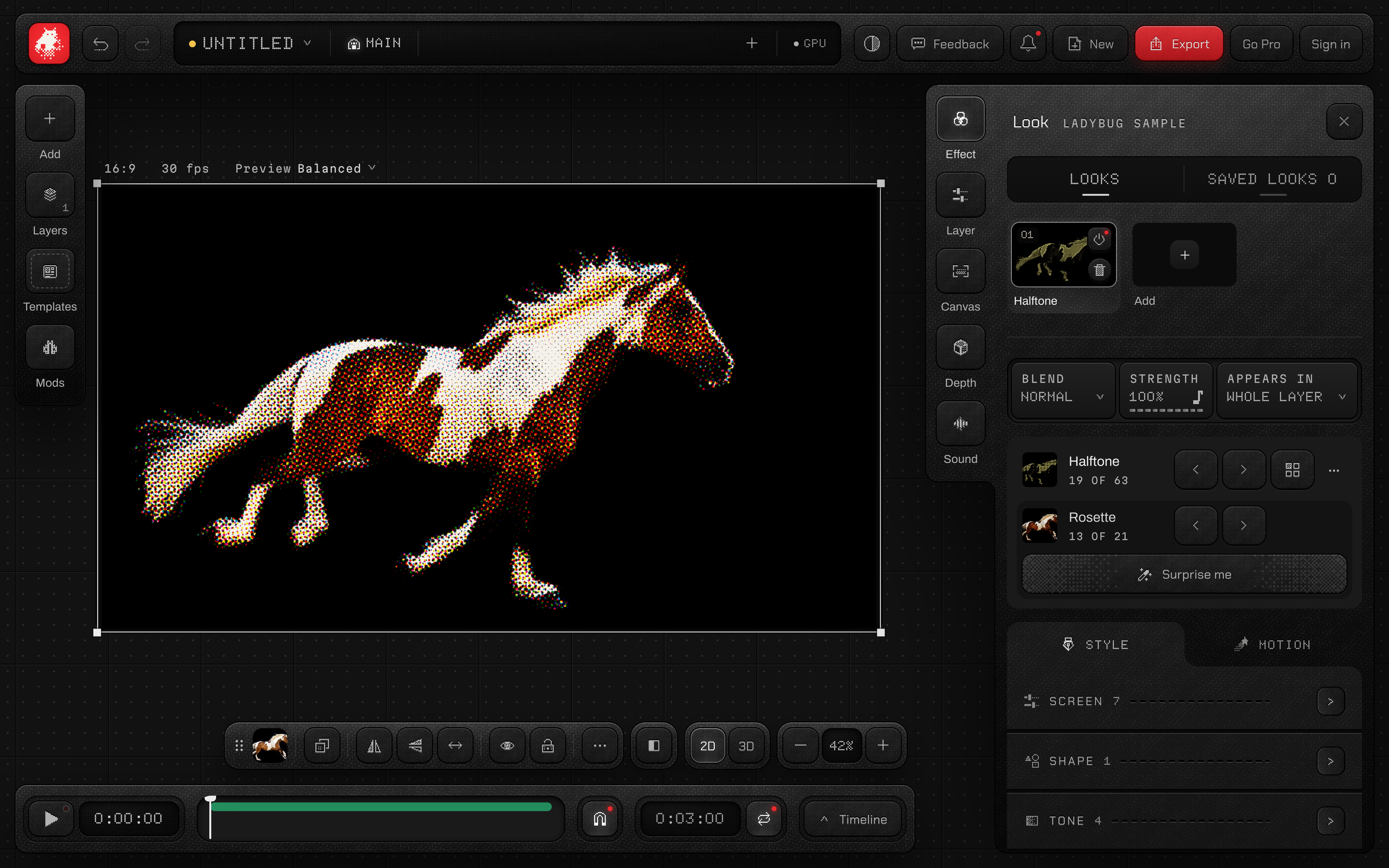
New looks for Dithering, Halftone and Dither Text
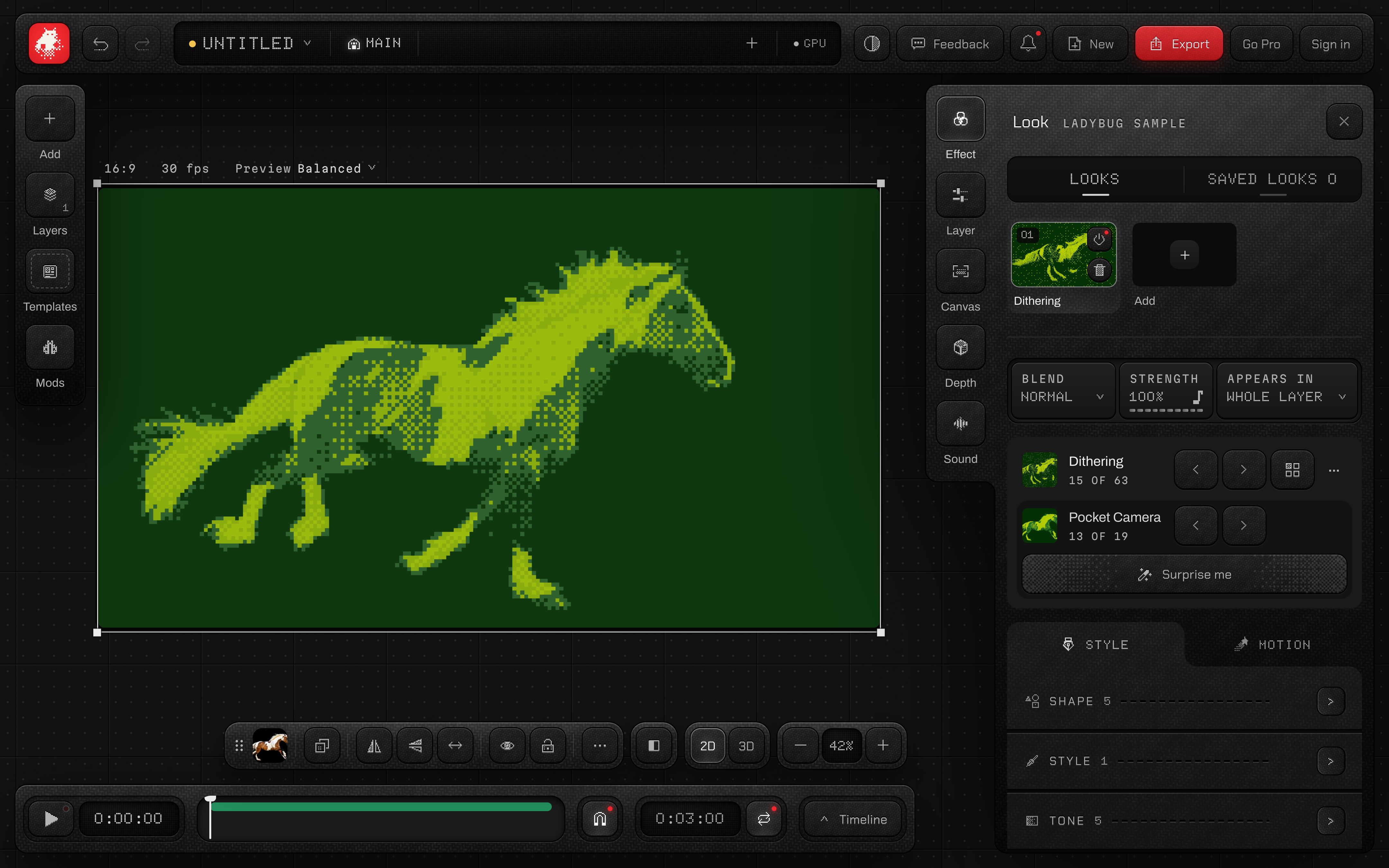
Dithering's Floyd-Steinberg and Atkinson patterns now use real error diffusion, with ten new looks from Pocket Camera to ZX Spectrum. Halftone adds ten press screens, from Rosette to Billboard. Dither Text adds fourteen looks, and its cards are easier to read.
- 01Select a layer and open Effect.
- 02Choose Dithering, Halftone or Dither Text.
- 03Step through the looks with the arrows, or press Surprise me.
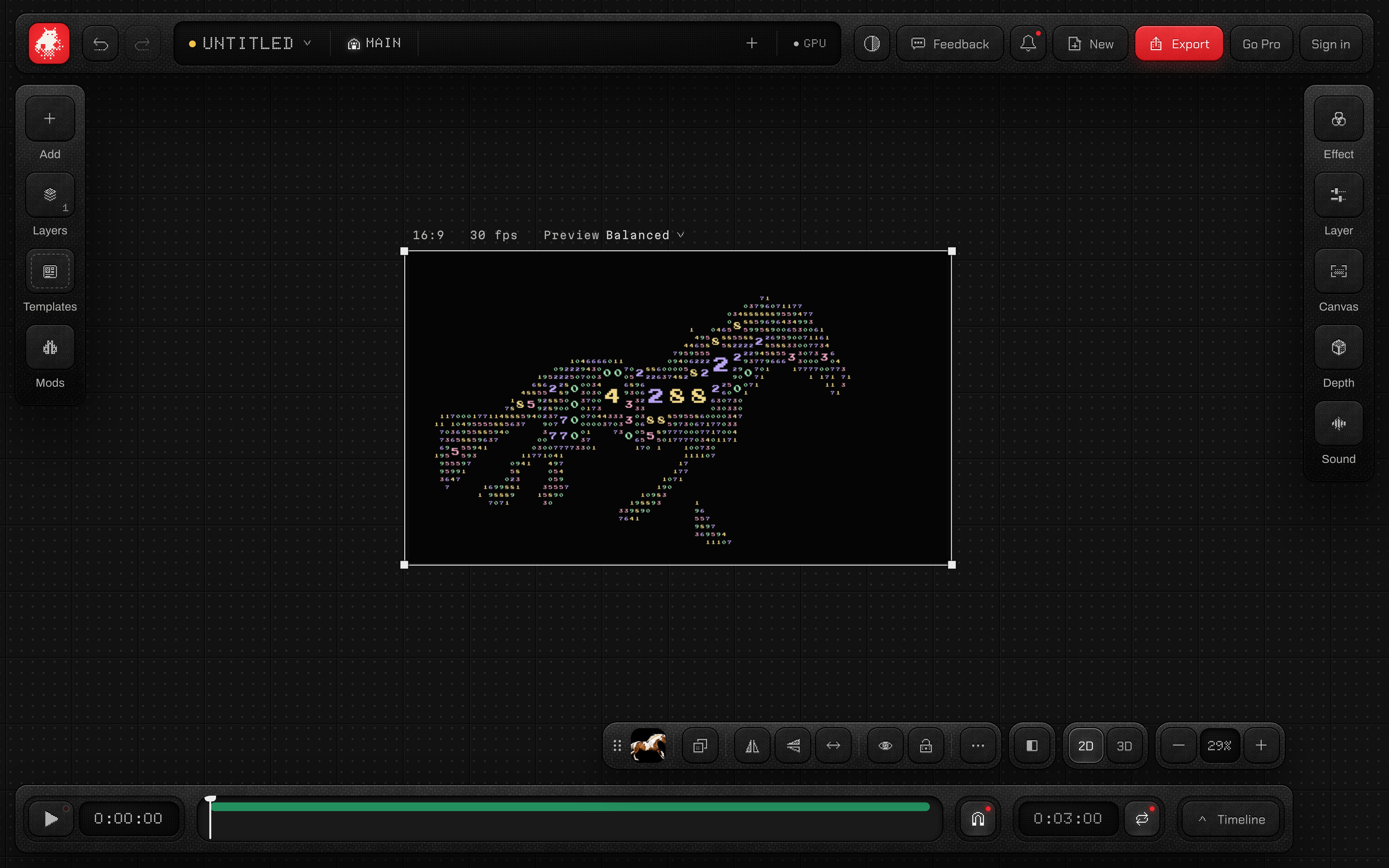
Glow that holds at every zoom
Bloom and Streaks keep the same glow as you zoom in and out of the stage. Zooming out no longer dims the light.
- 01Pick a look with a glow, like Glyph Studio's Bloom.
- 02Zoom out and in on the stage.
- 03The glow stays as it was.
Every effect opens at the top
Pick an effect or apply a saved look, and its panel opens at the top, with its looks and Surprise me right there.
- 01Open Effect and pick an effect anywhere in the list.
- 02Its panel opens at the top, with its looks first.
- 03Saved looks you apply open the same way.
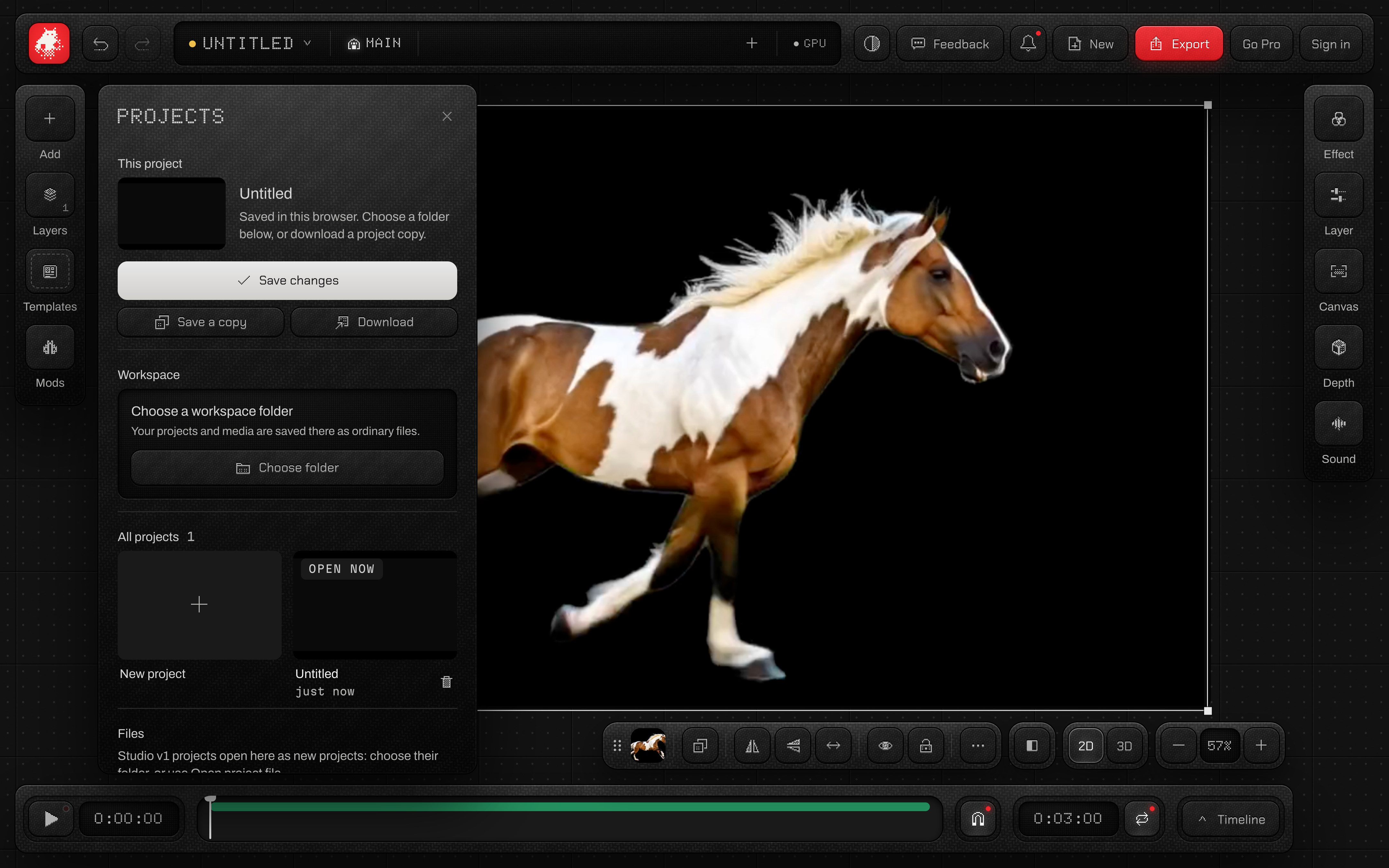
Your workspace first in Projects
Projects shows your workspace folder right under this project, so you see at once whether it is connected. Your projects come a few at a time, and Show more brings the next ten.
- 01Open New and choose All projects.
- 02Choose or change your folder under Workspace.
- 03Press Show more to see older projects.