Keep creating while graphics reconnect
Shipped Thursday, 8 Oct 2026 at 15:20 UTC
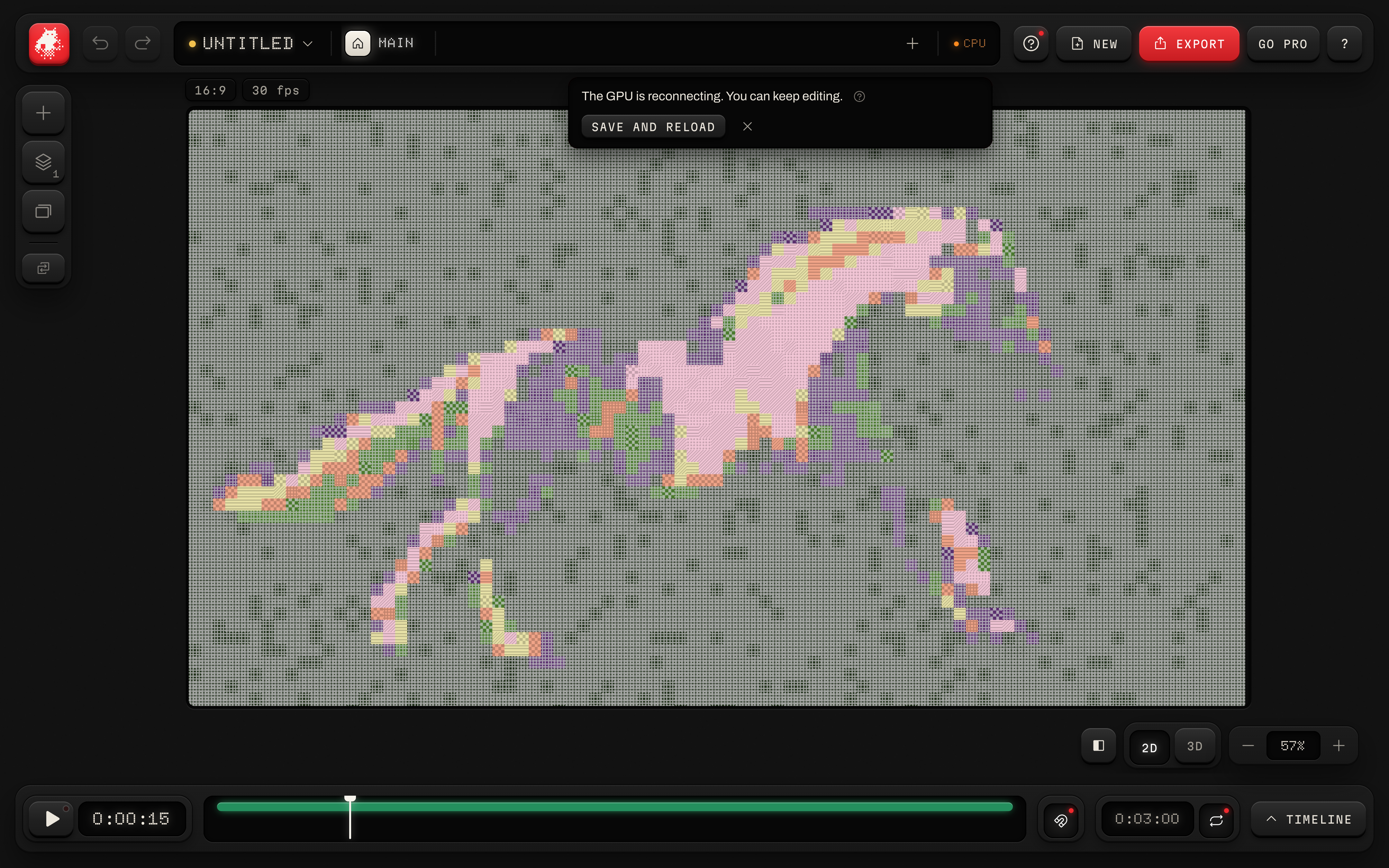
Ladybug uses the GPU whenever it is available. If it cannot start or disconnects, supported effects can draw on the CPU while Ladybug tries to reconnect. Your project, media and undo history stay in place.
Automatic graphics recovery
The studio can keep drawing while the GPU starts or reconnects. Recovery checks begin promptly, and the GPU takes over when it is ready. If Export is open, the switch waits until you close it.
- 01Open the studio and add a photo or video.
- 02If the top bar shows CPU, continue editing with supported looks.
- 03Close Export when you are finished. The GPU returns automatically when available.
More consistent fallback looks
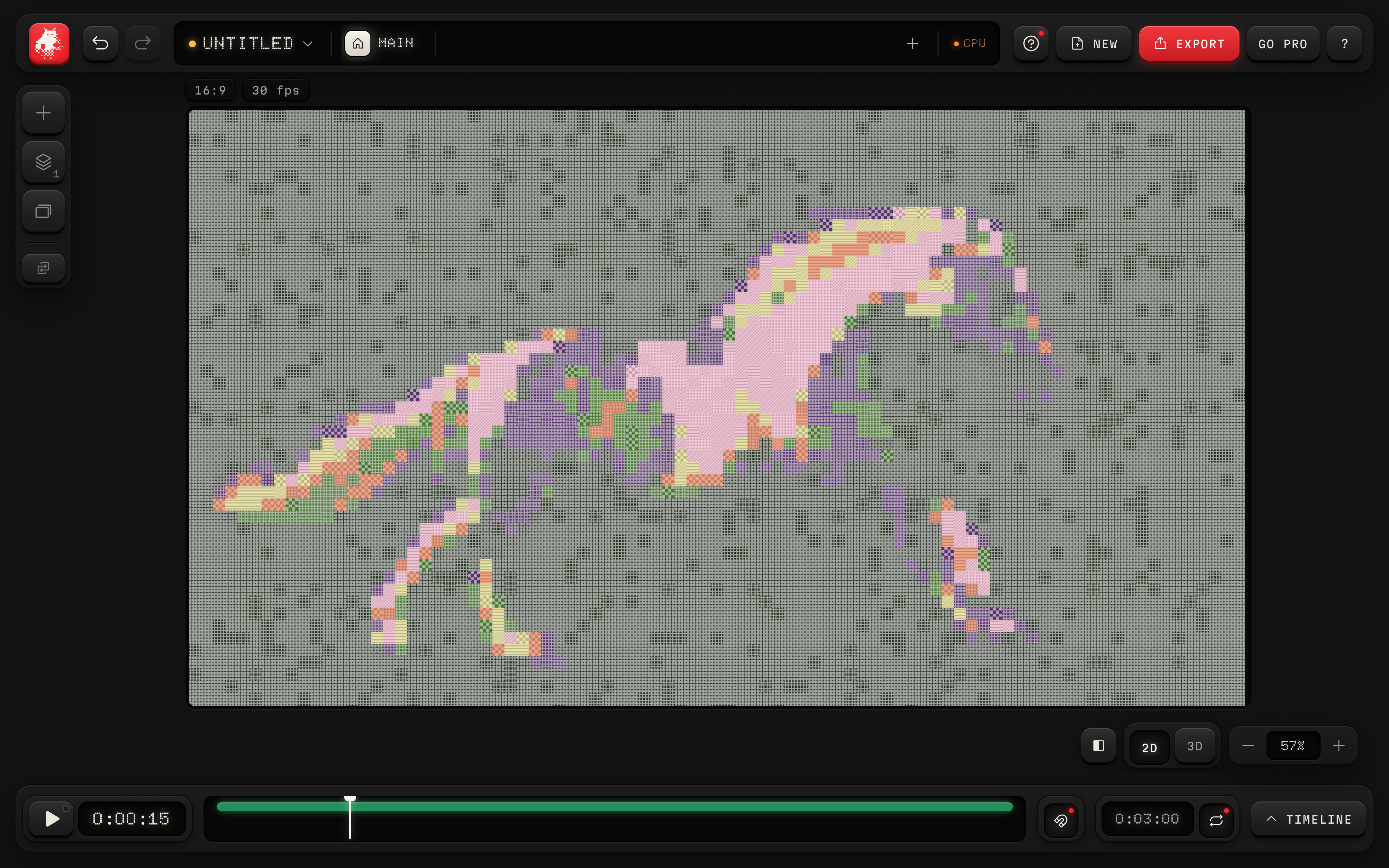
CPU looks now follow the GPU more closely, with some differences in grain, streaks and glyph patterns. Effect scale, source detail and smaller exports are more consistent. Effects and settings that require a GPU are marked and stay saved in your project.
- 01Apply a look to your photo or video.
- 02Use the CPU or GPU readout in the top bar to check the current engine.
- 03If a control says Needs a GPU, its saved setting appears when GPU rendering returns.
Stable patterns while zooming
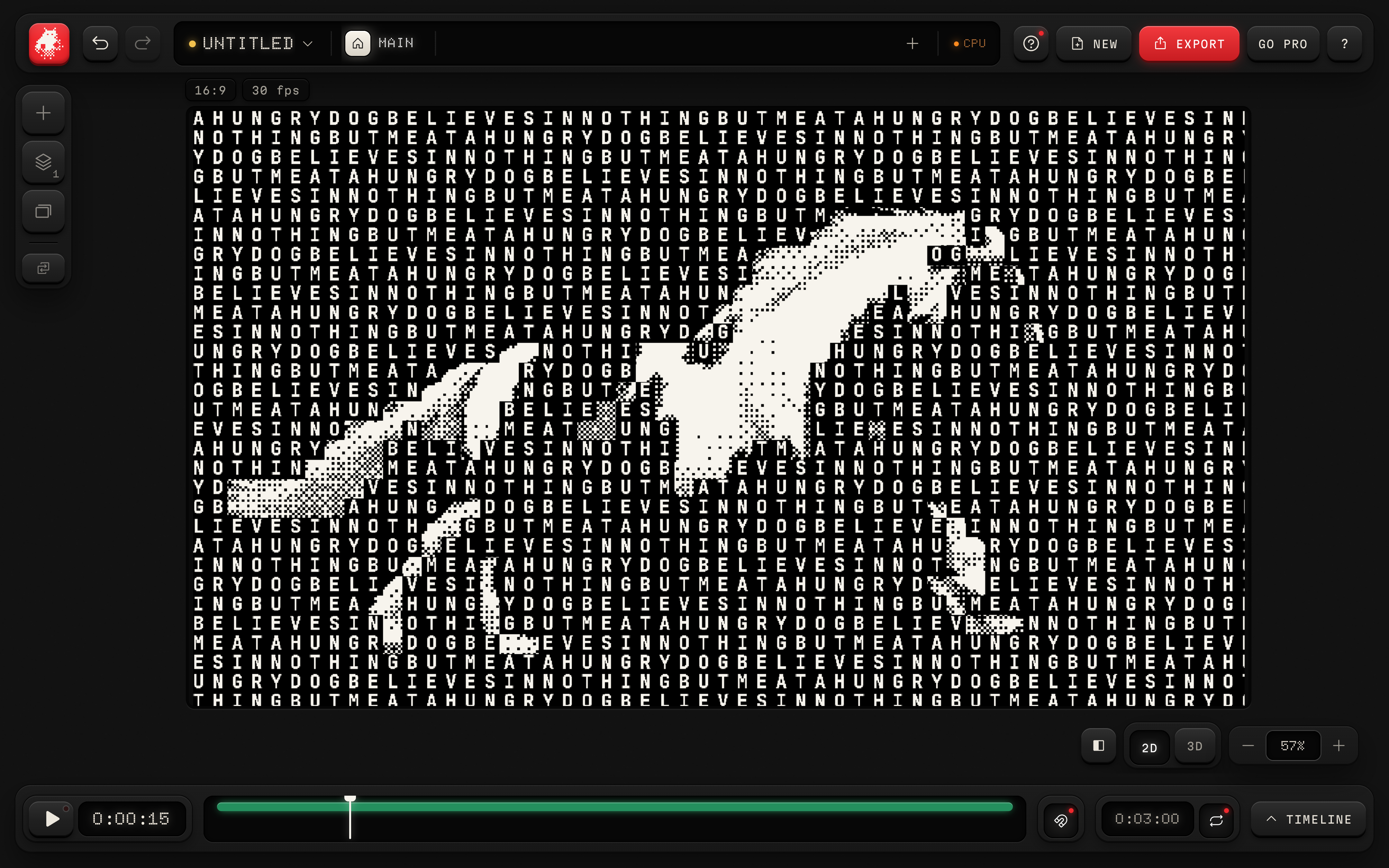
Dither Text keeps its dither pattern continuous across text cells. Fractional zoom sizes no longer repeat the preceding letter in affected text grids. CPU playback preserves the same sampling quality as a paused frame, with a lower frame rate when a look needs more time to draw.
- 01Apply Dither Text and choose the Poster Type preset.
- 02Zoom in, zoom out, then choose Fit to return to the full picture.
- 03Play the clip. On the CPU, heavy looks may play more slowly while preserving their quality.