Graphic designers
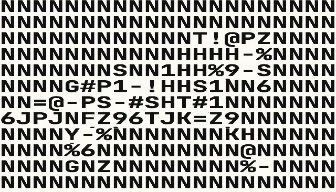
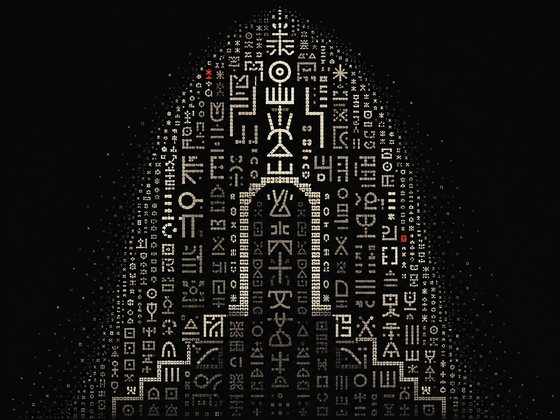
Posters, covers, editorial, logos and whole brand identities. The effects are easy to reach for, so the wild version is the one you actually ship.
The looks that take you days and 20 plugins take a few minutes here.
Not another design tool. A new way to make wild work.
Free to start · No watermark
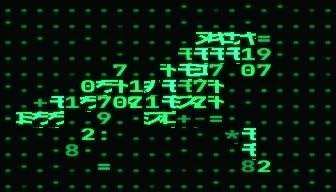
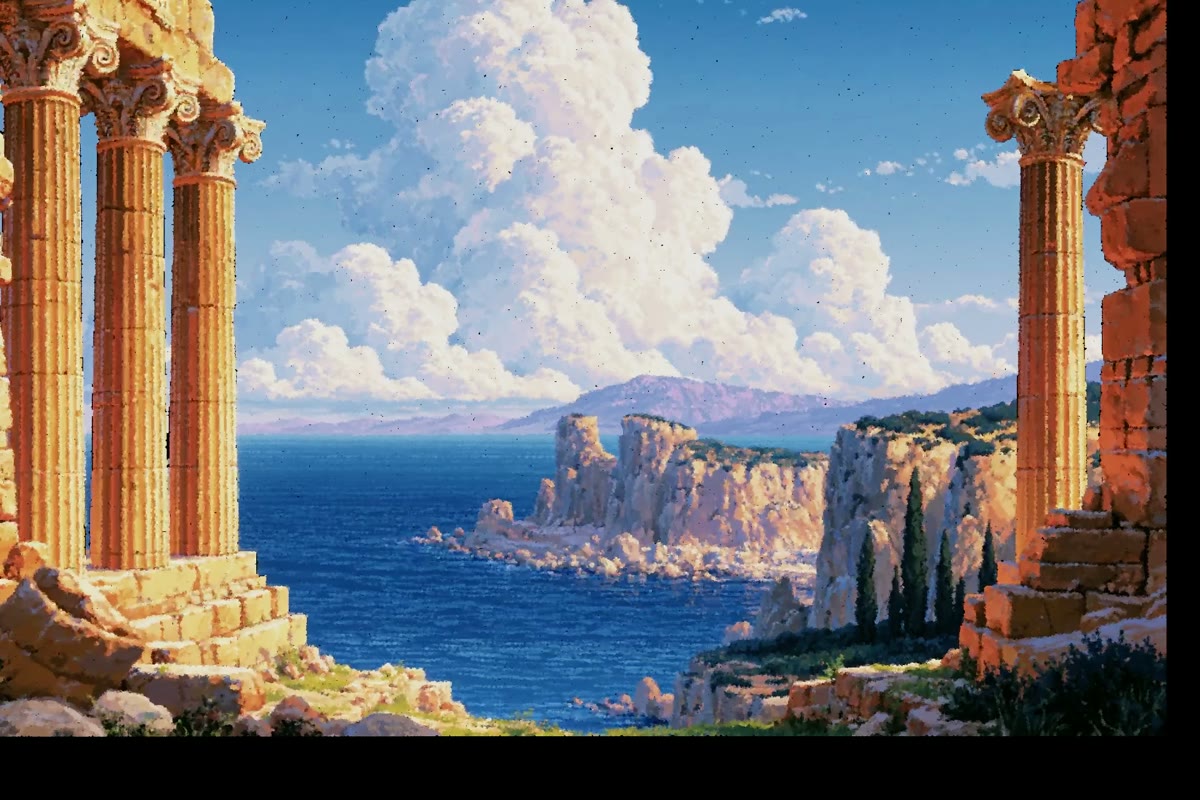
A 45 second film made in Ladybug, with the studio around it. A photo of a temple turns 3D, steps through the Retro Matrix and Tone Geometry looks, takes bloom and streaks, moves to the music, gains the word LADYBUG and a glass cube that melts into an octahedron, while the camera moves around it.
You did not start making things to blend in. Ladybug is for designers, animators, musicians and content creators who want a look of their own.
Posters, covers, editorial, logos and whole brand identities. The effects are easy to reach for, so the wild version is the one you actually ship.
Reveals, loops, transitions and intros. What takes days and ten plugins in traditional software takes minutes here.
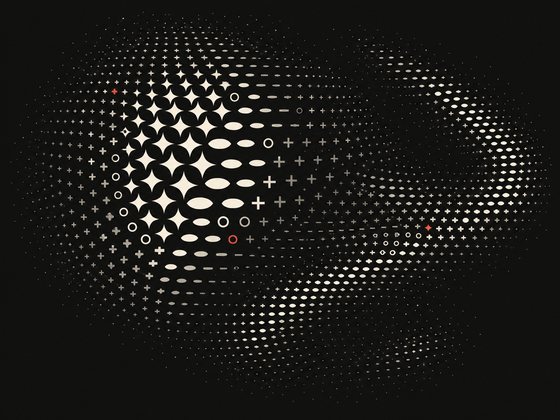
Every part of the visual can answer to the music. Bind any control to the signal and let the track move it.
Work that stops the scroll on its own. Open a tab, drop a clip in, export, post.
A house look nobody can reverse engineer. Save the whole recipe as a preset, so every asset comes out of the same machine.
Sixty effects and more than 300 looks, and the list keeps growing. Press the arrow and the next look lands on your picture. Keep the one you like and every dial is yours.
Use the sample, upload your own track, take the sound from your video, or turn on the mic. Then pick what each move follows: the kick, the bass, the voice or the whole mix. The picture plays along.
Float, Breathe, Drift, Sway, Pop in. Text that types on, rises by letter or waves. When you want control, put a keyframe on any dial and shape it on the timeline.
One key reads the depth of your picture, so it gets a front and a back you can turn and fly around. Stand type up, extrude any SVG, or bring in your own 3D models.
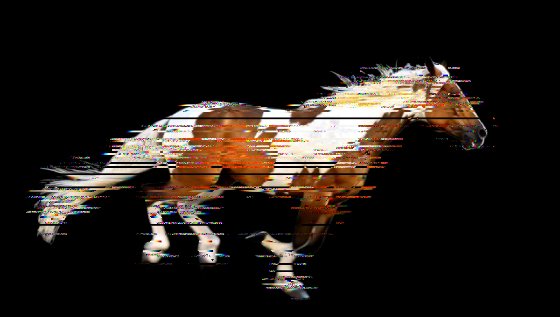
Bloom, Streaks and Trails on any layer or on the whole canvas. Light that takes a compositing app and an afternoon is three dials here.
Track people, faces, hands or objects, in your footage or live on your webcam. Pin a look to what moves and it stays on it.
Pick a look and it is on your picture. Pick a move, a glow or some depth the same way. The looks that take a weekend elsewhere take a click here.
Dither Text


Stack them and you make things that would take days in other software. Here it takes minutes.


One key gives any picture a front and a back.


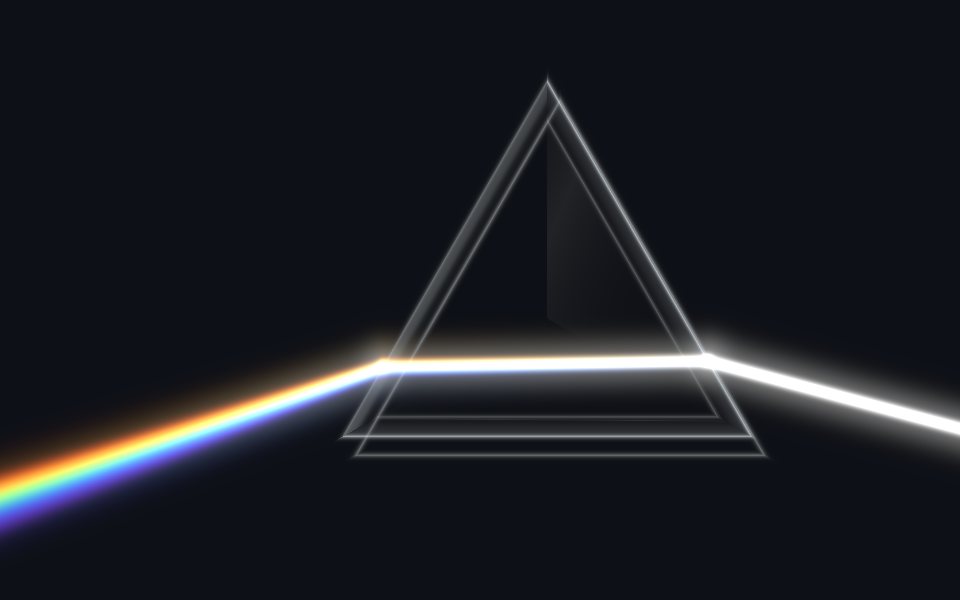
Bloom, Streaks and Trails, plus glass looks like Prism Light and Crystal Glass.
Melt a layer into a shape, a Coolshape, an SVG or a word.
Connect any control to the music, down to the kick or the voice.
Pin looks to people, faces, hands or objects.
Put a keyframe on any dial and shape it on a real timeline.
A new way to animate: pick a move and it runs, no keys needed.


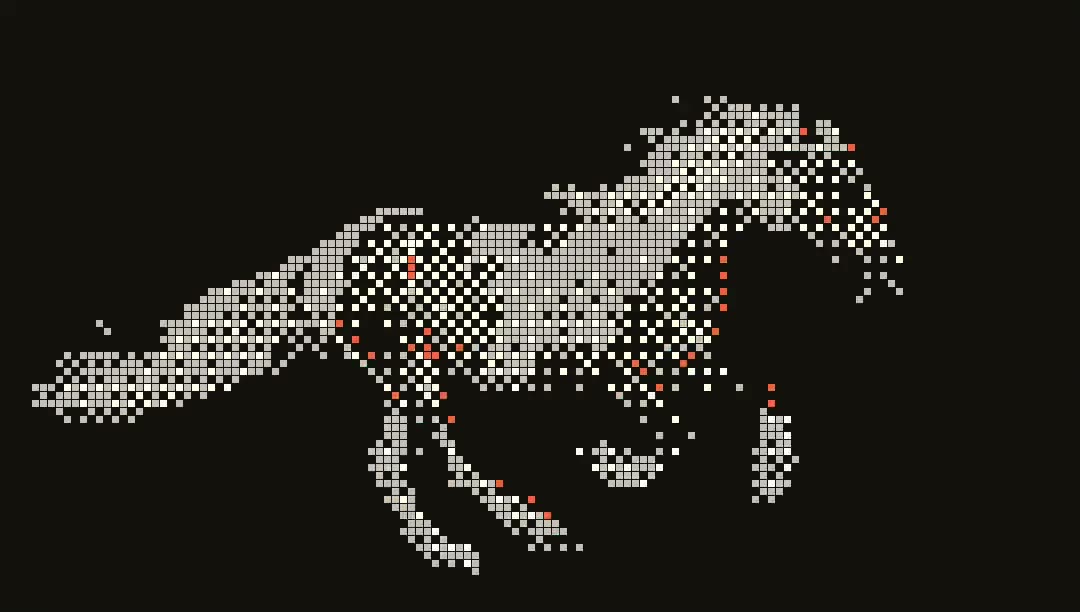
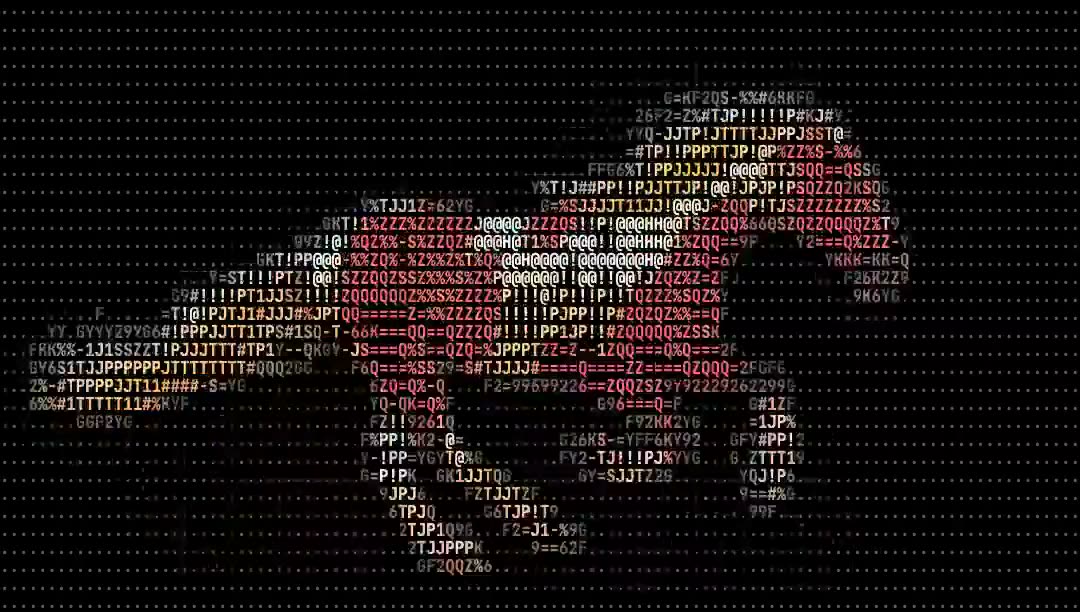
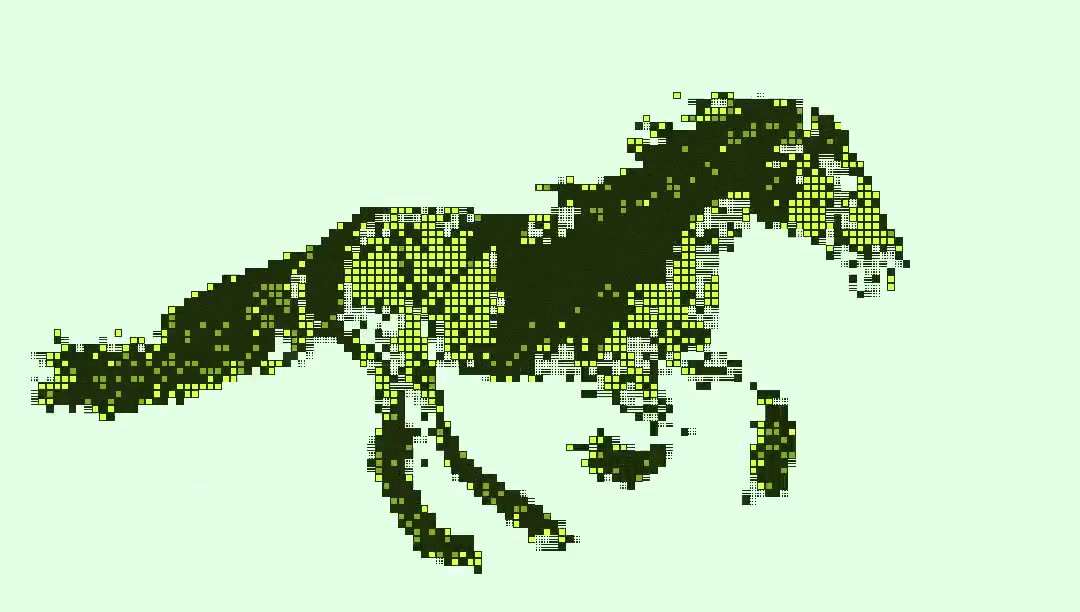
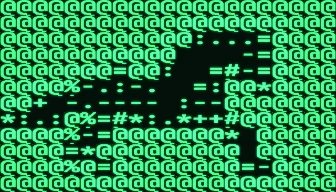
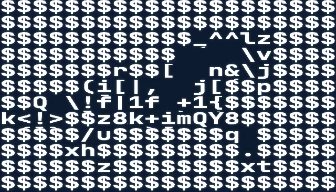
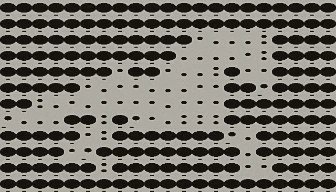
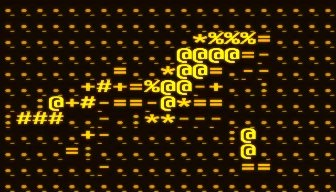
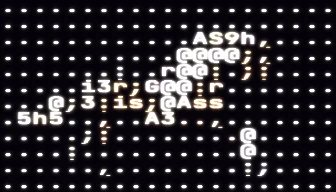
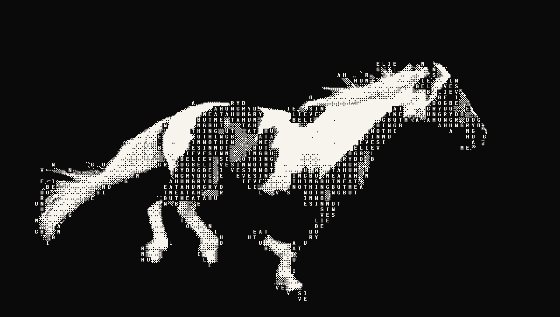
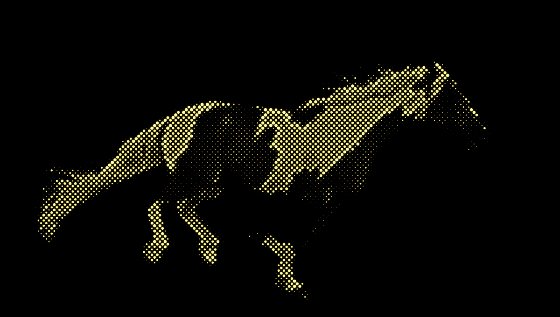
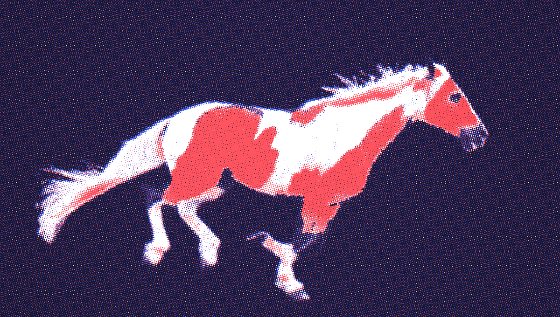
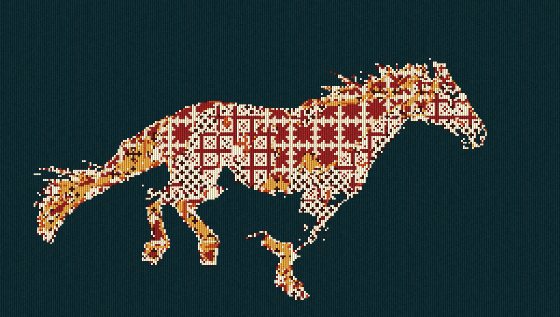
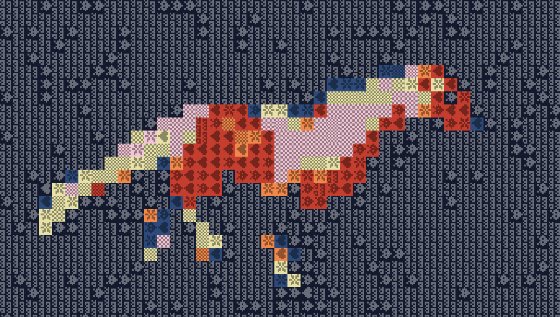
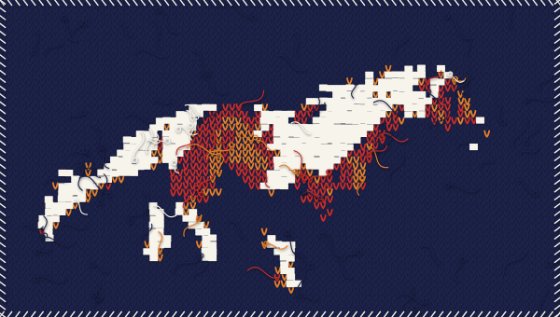
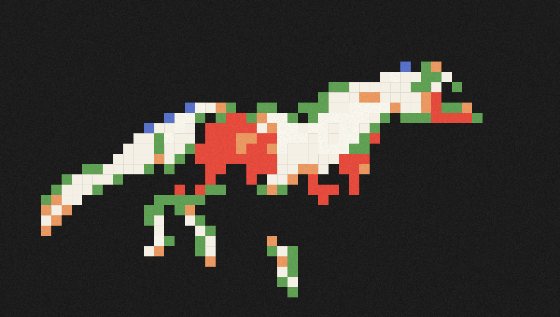
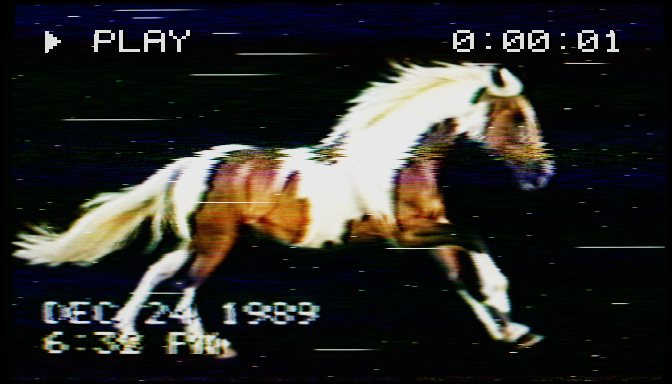
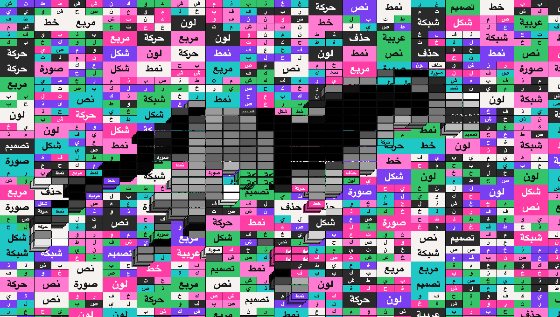
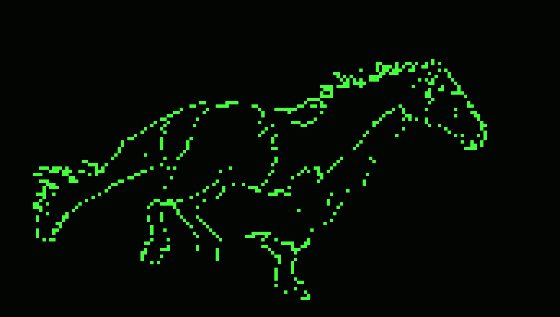
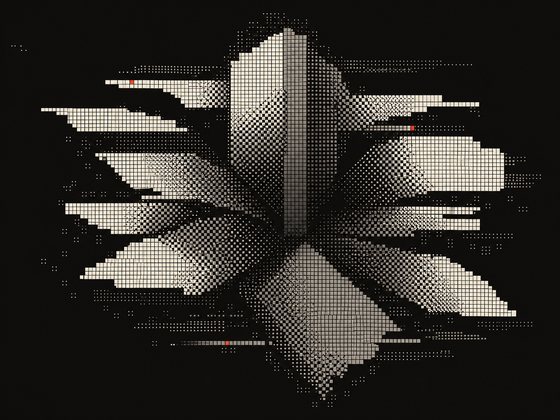
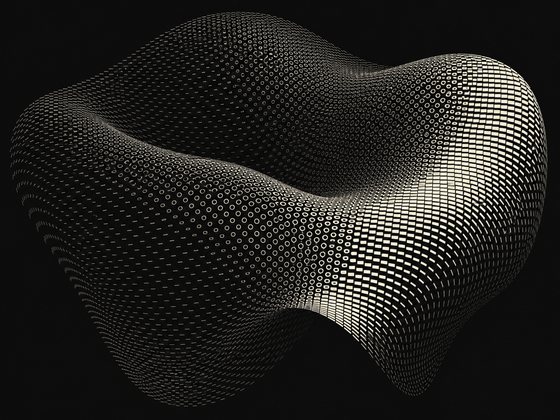
ASCII, dither, Riso, halftone, thermal and more, all live.
Extrude words and SVGs, or bring in OBJ, GLB, GLTF and STL.
Intro
Lower third
OutroBuild a title once, reuse it on every board.
Export video up to 4K and stills up to 8K.
Vector out for print, frames with alpha for editing.

I wanted one place for design and creative exploration, where the looks in my head were a few clicks away instead of a few days. So I built it. A very small team now helps me keep it growing.
We'll keep it this way: made by a creator, for creators. Small on purpose, and close to the people who use it. If you make something great, or something feels off, write to me. I read everything.
Open a tab and the whole studio is there: effects, animation, compositing, export. Your footage never touches a server, and your projects live in a folder on your own drive. No install, no render farm, no waiting.
Every effect and every control is free, and there is no watermark on what you make. Play with it straight away, and a free account keeps it that way for as long as you like. Pro is for when the work is commercial.
Short answers to what people ask most. More are on the way.
A browser and a modest GPU. 2 GB is enough, and there is nothing to install. Chrome is the one to use: export is fastest there, and your projects save straight into a folder on your drive. Edge and Arc work the same way. Safari and Firefox run it too, with a download step instead of the folder.
Yes, with a Pro license. Ladybug is free for personal use, and there is no watermark on either.
4K video, 8K stills, PNG sequences with alpha, transparent video, and true SVG for a single frame. Background removal is built in, so you can cut a subject out and keep that transparency all the way through.
No generative AI. Every look is computed from your own footage. Depth, tracking and background removal use small models that run on your own machine.
Any time, from your account, in one click. You keep Pro until the end of the period you paid for, and you are not charged again.
You get a full refund within 14 days of buying Pro, no questions asked.
Something else? Write to us, we read everything.
Ladybug is free for hobby work, and there is no watermark on what comes out. Open a tab, drop in a clip, and start.